
Keeping trips organized
Voyage Vault makes it incredibly easy to add trips, but there are best practices that are critical to your trip planning process.
Always assign a location
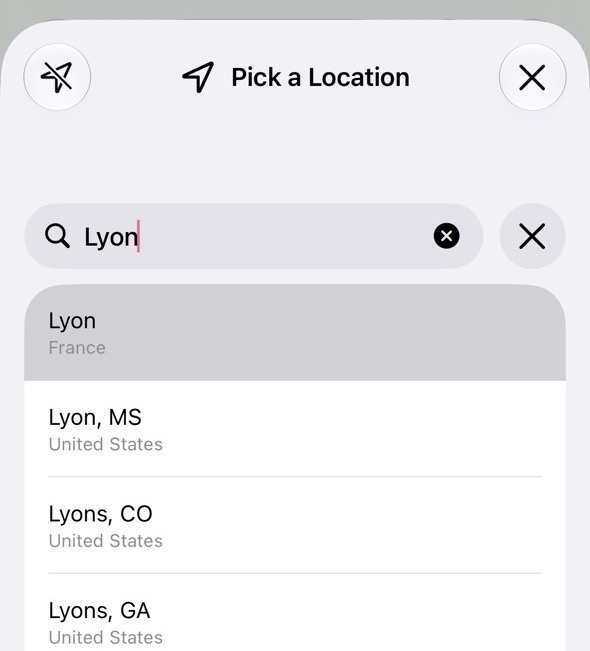
When you add a trip from the Trips tab, you're asked to Pick a Location. This is an important step because it allows Voyage Vault to set up your trip name, time zone, currency, and Schengen zone flag. The best locations are typically cities, which allow the app to drop a more accurate pin on the map.
So don't choose "Europe" or "France" as a trip location, keep each trip focused. You can always combine a series of trips together using a trip group (see below).
Trip Details
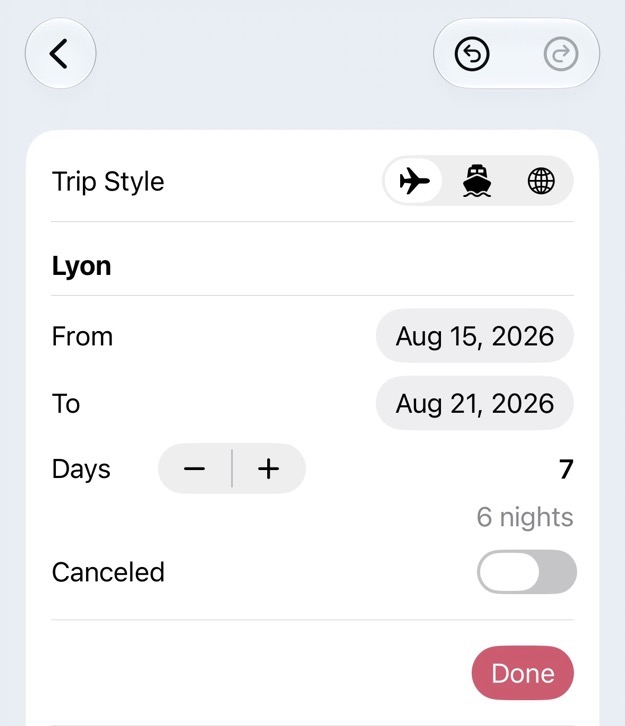
Date Range
Once you select your location, Voyage Vault will show you the details for a trip. You can tap the date range to set the dates and the day count for your trip. These dates should correspond to the nights you're staying in this one city. There are exceptions when trips overlap, which is why Voyage Vault offers side trips (see below).
Trip Style
The three styles of trip are regular, cruise, or a trip group. For most trips, leave the airplane icon selected to use a regular trip.
Use Trip Groups to keep trips together
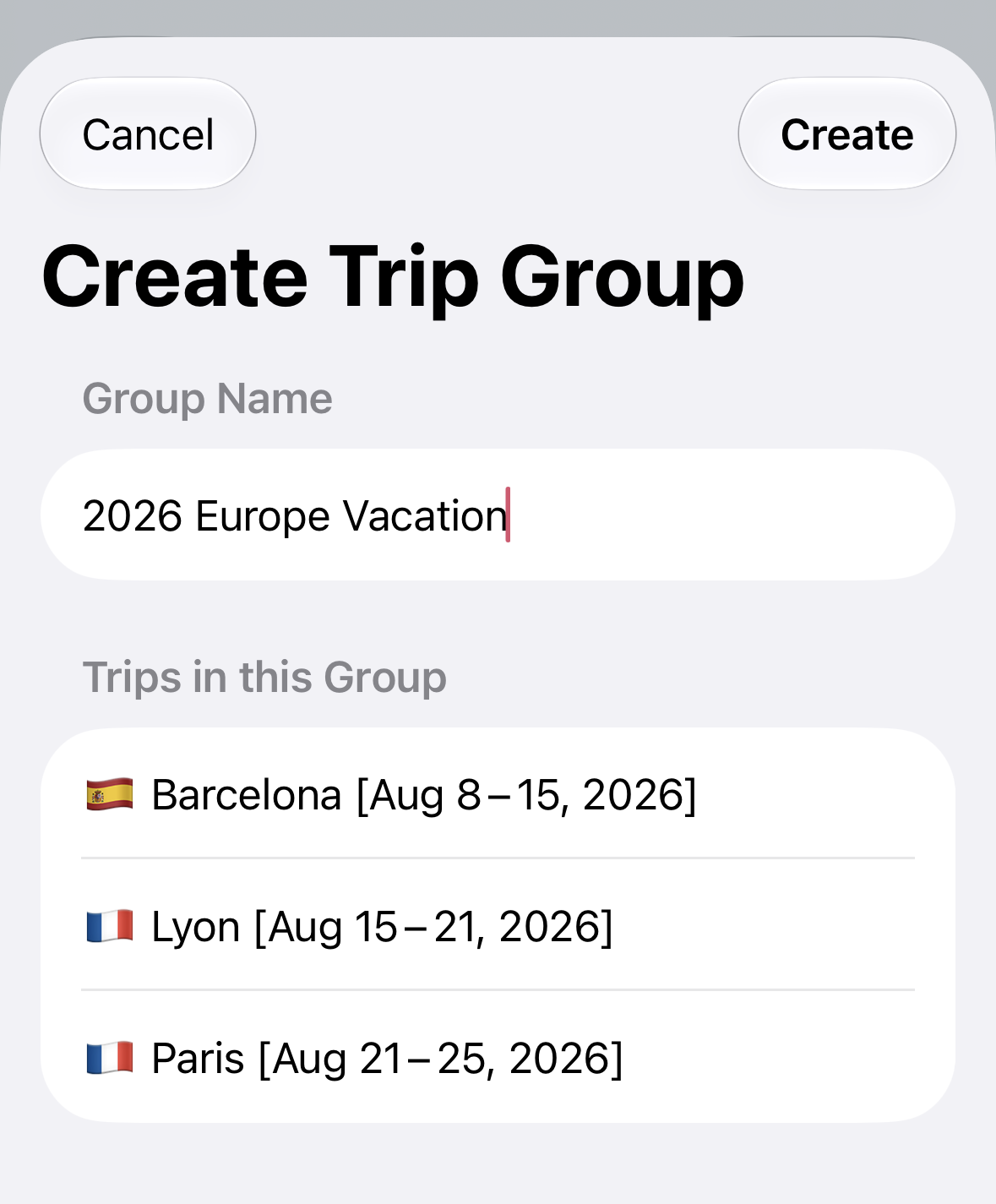
Now that you have individual trips for each city, you can add them to a group. This helps to organize related trips and it also will give you an overall view of expenses for these individual trips.
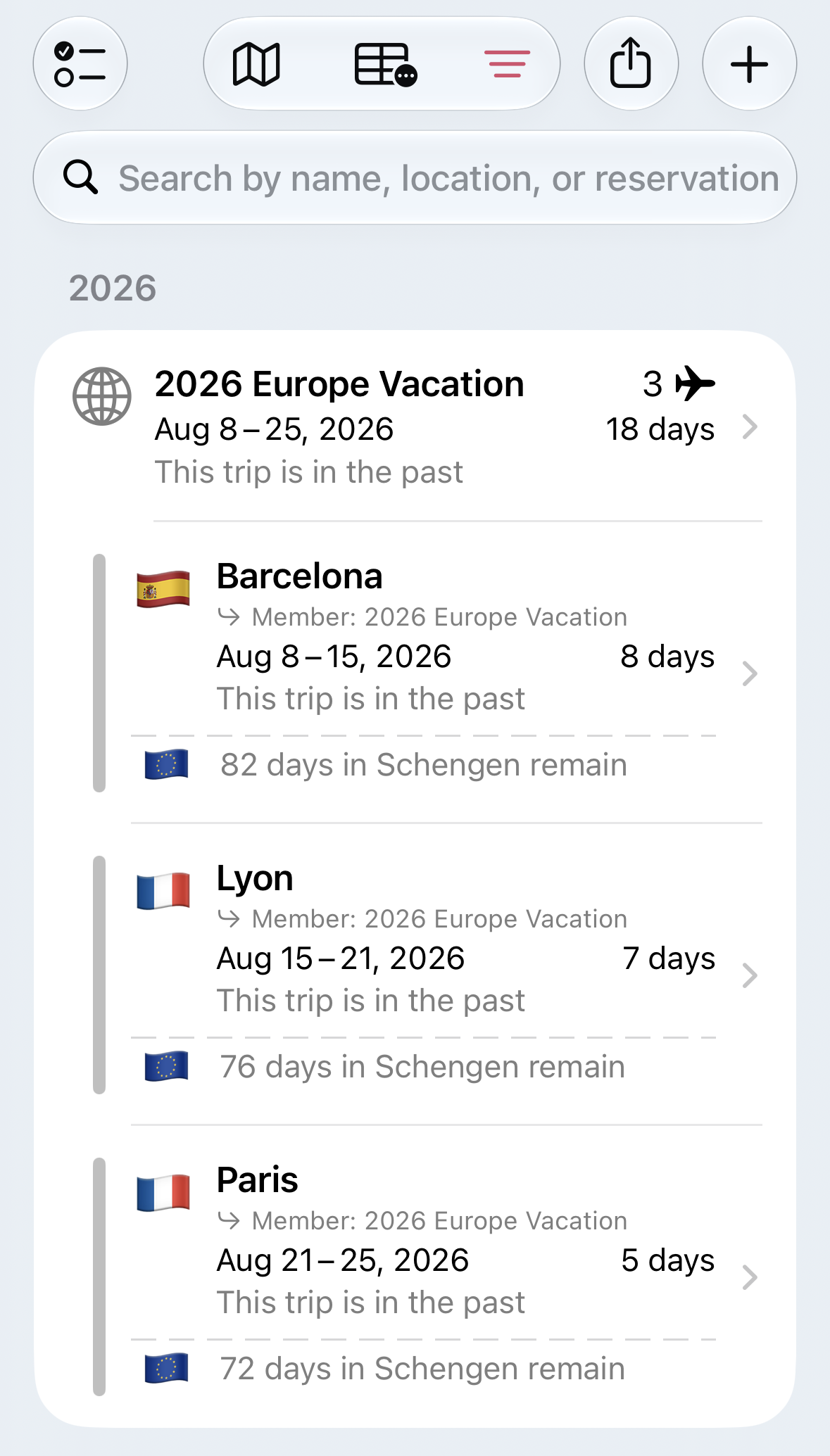
Here's one way to create this group. On the Trips tab:
1. Choose Select Trips
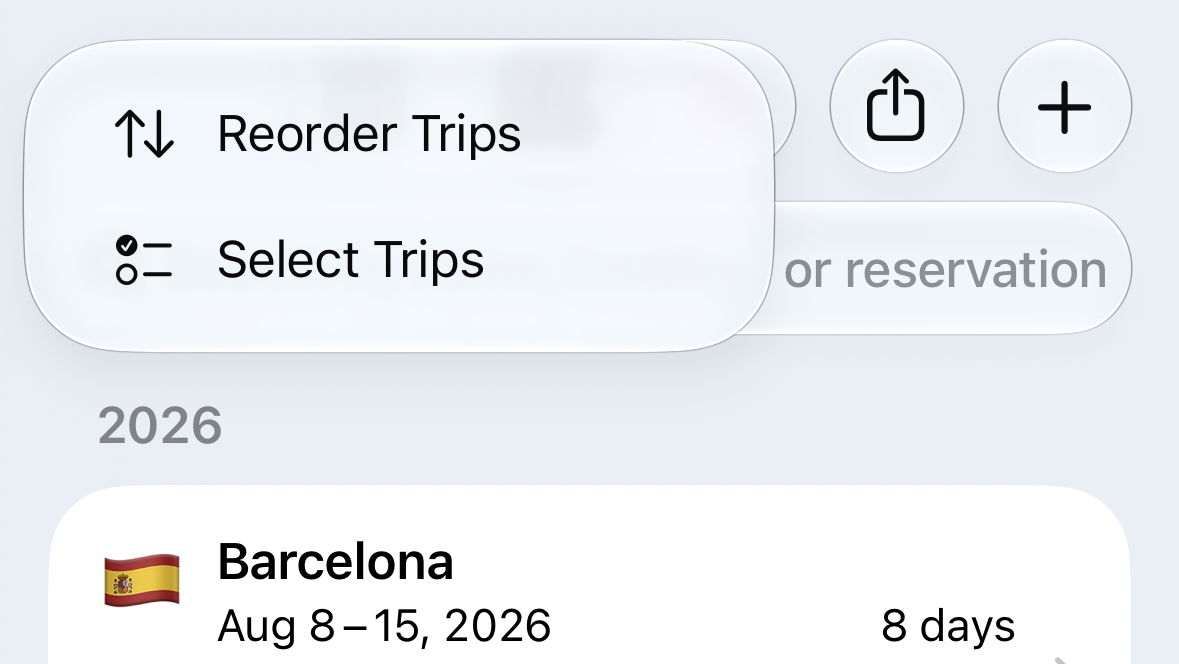
2. Select your trips
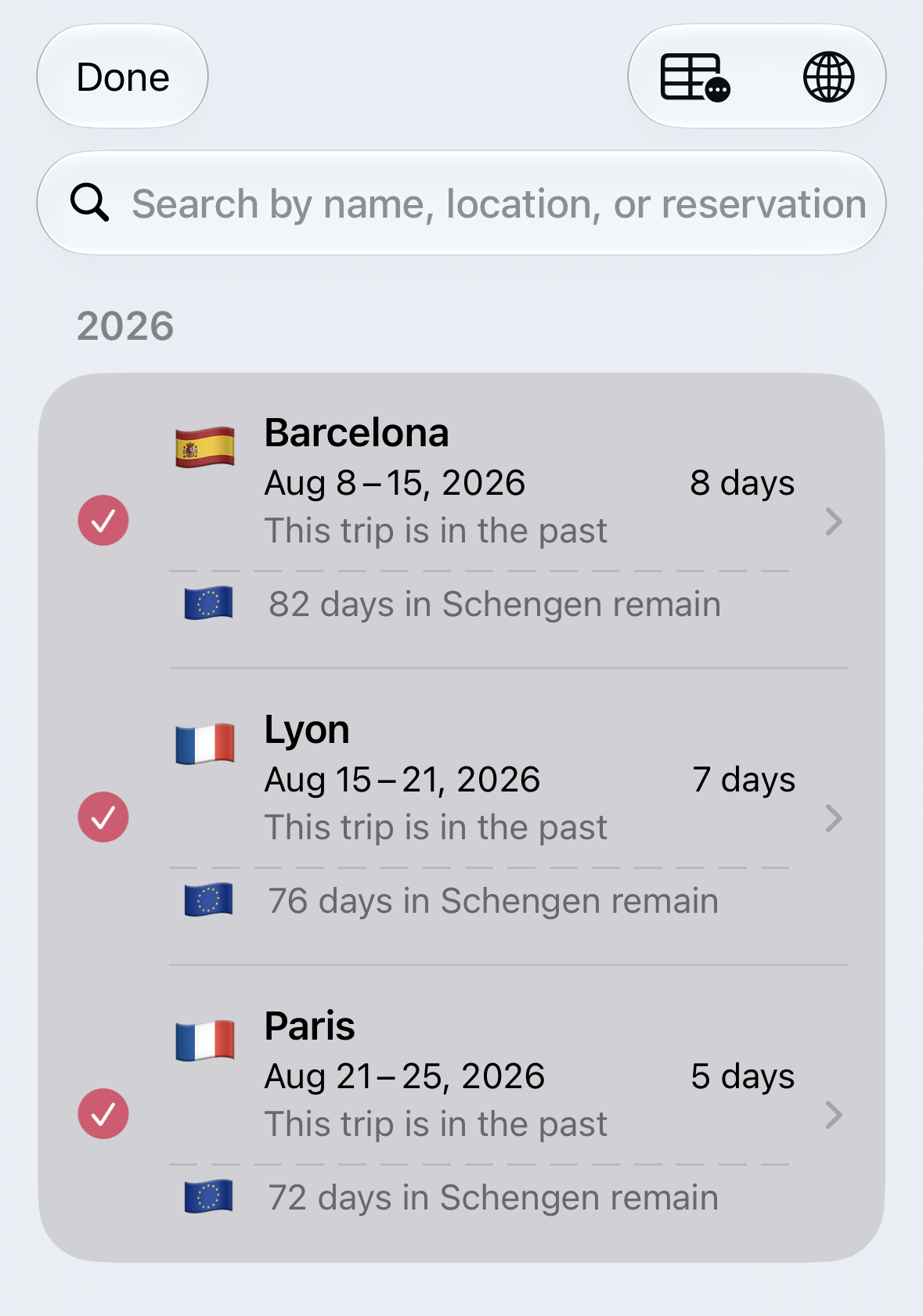
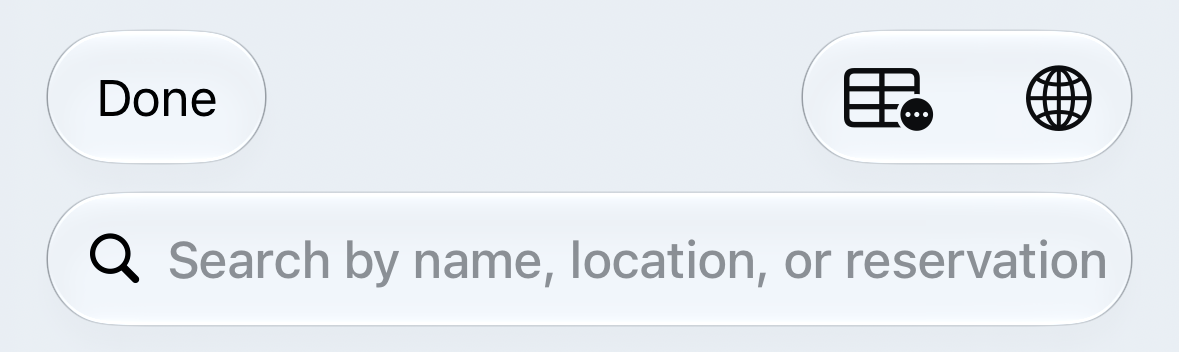
3. Choose the group icon (globe) in the upper right to create a trip group
4. Name the group
Side Trips
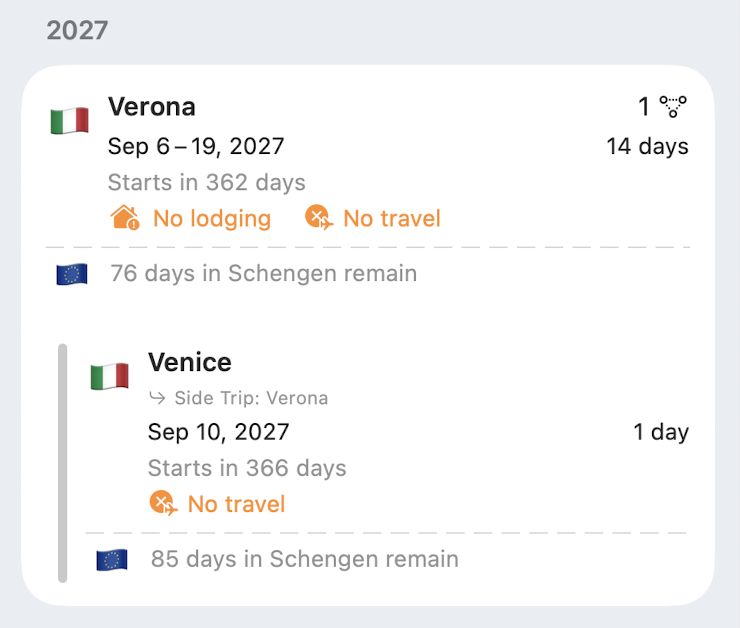
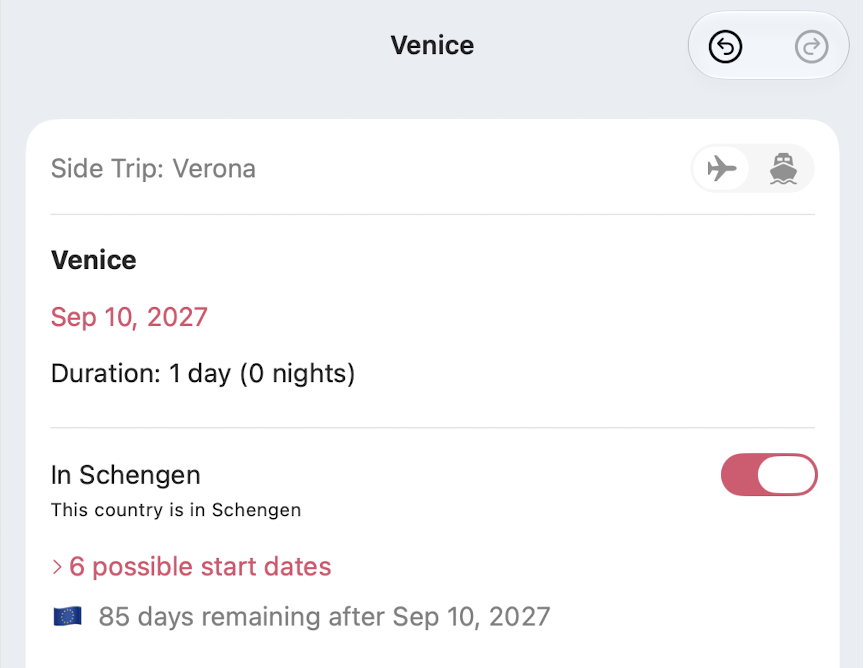
There are times you might be staying in a city and want to take a day trip to another location. This day trip will have dates that overlap your primary location and Voyage Vault will alert you that there are overlapping dates. To avoid that alert, all you need to do is assign the primary trip as the parent to the day (or overnight) trip.
Follow these steps:
-
Create your primary trip
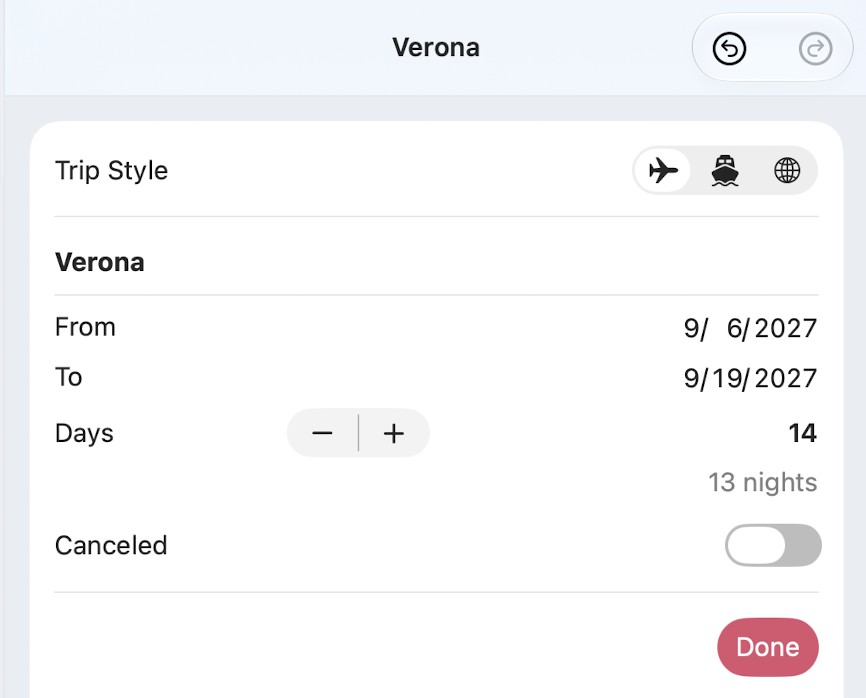
-
Create your side trip and change the dates to overlap your primary trip
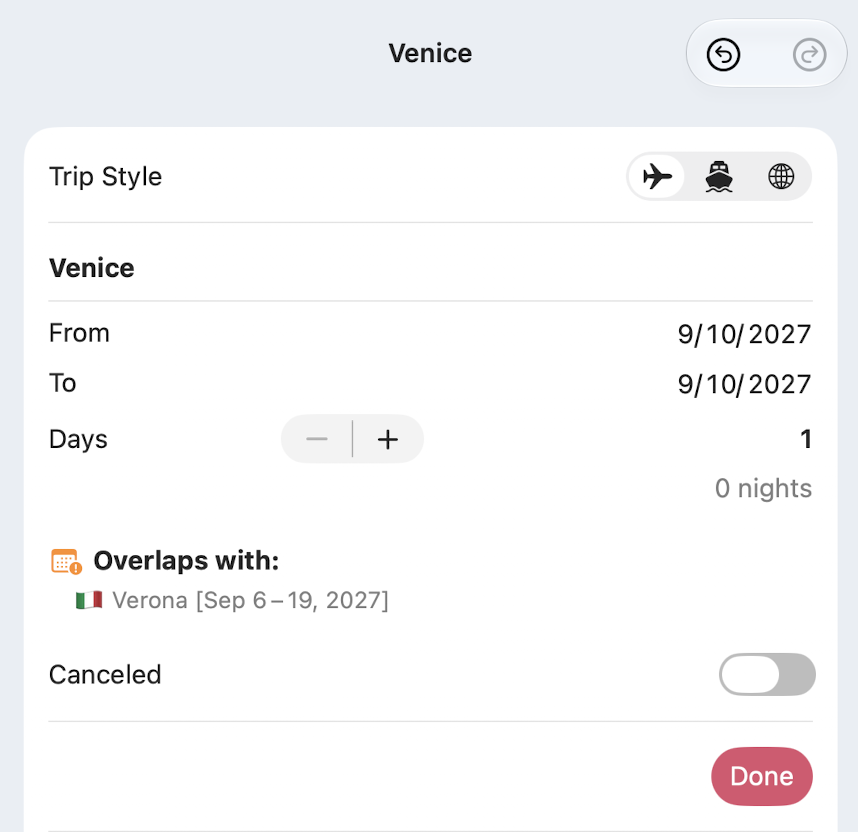
-
On the detail of the side trip, use the Parent Trip button (defaults to "None")
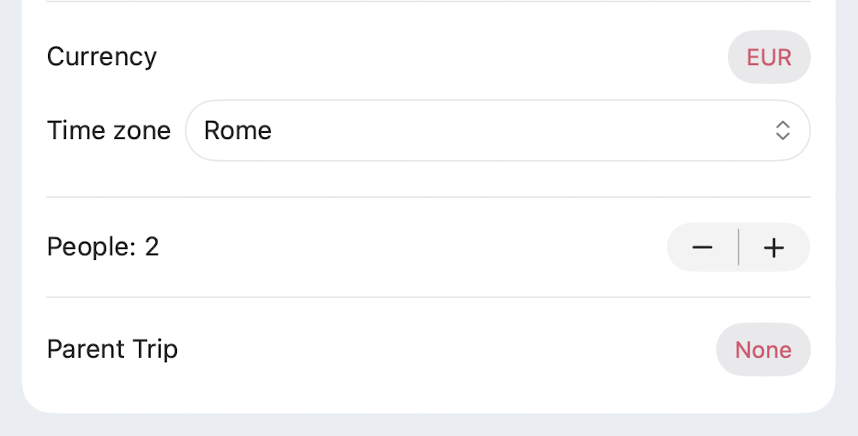
-
Choose your primary trip
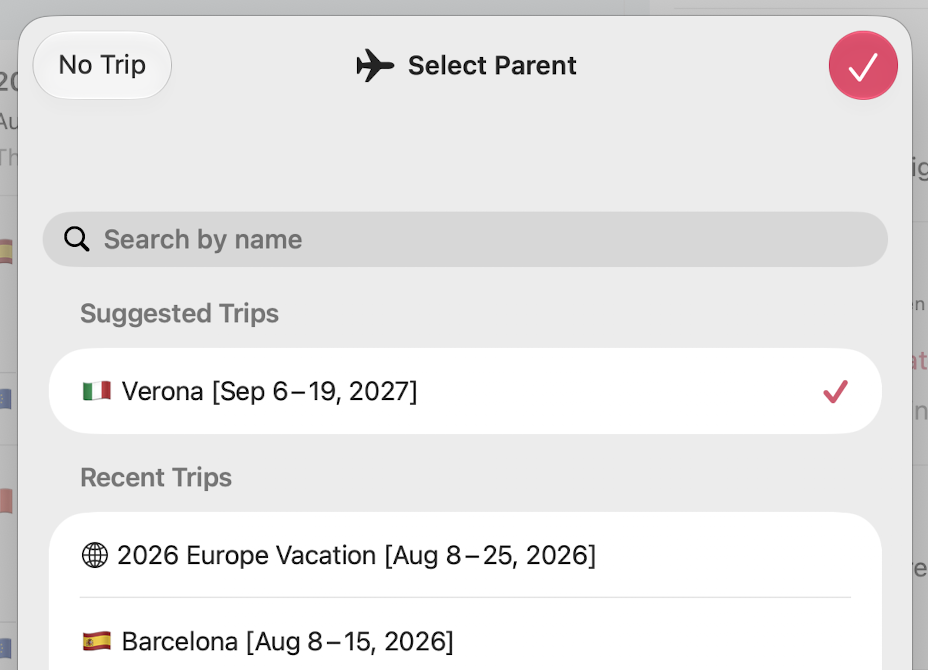
Now the warnings go away and you can visually see on the Trips tab that you have a side trip.
Organization Works
By keeping every trip pointed at a specific location and using trip groups and side trips to organize how your travel flows, Voyage Vault can alert you to all kinds of travel issues, including date overlaps, missing travel, gaps in lodging, and Schengen 90 day violations.