
Currency Converter
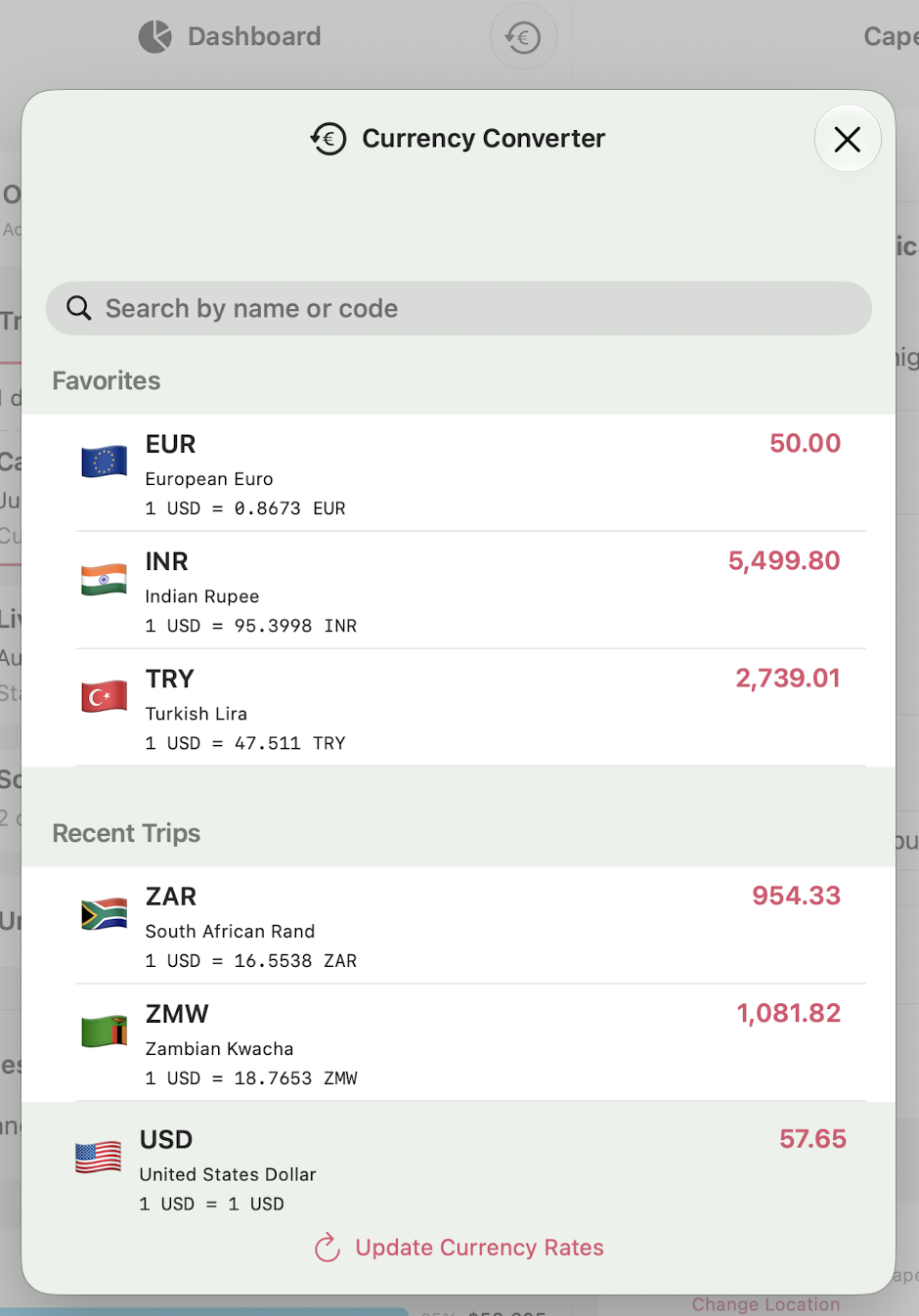
One of the more challenging parts of travel is knowing how much something costs in a different currency than your home currency. That's why Voyage Vault has a built-in Currency Converter that you can access by tapping the button on the right side of the Dashboard toolbar.
Converting Amounts
Simply type an amount into the entry next to the currency you want to use and confirm. You'll immediately see all the other currencies update with their local amount. Amounts are always entered with all the decimal places for the currency you're entering. To enter an amount of $50.85, simply type "5085" in the amount field without a decimal separator.
Tap any currency code to zero out the amount and set the focus on that currency.
Adding Currencies
Voyage Vault automatically populates the list with currencies from your recent trips, followed by all the remaining currencies so you don't need to manage the list. And you never need to search for your home currency, Voyage Vault keeps it at the bottom of the list.
Favorite Currencies
You can set your most used currencies as favorites right from the currency converter list. Long press (or right-click on the Mac) to bring up the context menu on any currency and select Add to Favorites. Use the same action on a favorite currency to Remove from Favories.
It also sorts the currencies to float the ones from current and recent trips to the top of the list. This makes it quicker to check prices where you are.
Search Currencies
Type a currency code or country name in the search field at the top to find a specific currency.
Tip: On the Mac, you can use the shortcut Option+Command+K to bring up the Currency Converter window.